How to Plan a Family Trip (Single Family or a Reunion)
Key Highlights
- 1
- 2
- 3
+4 more in the takeaways below
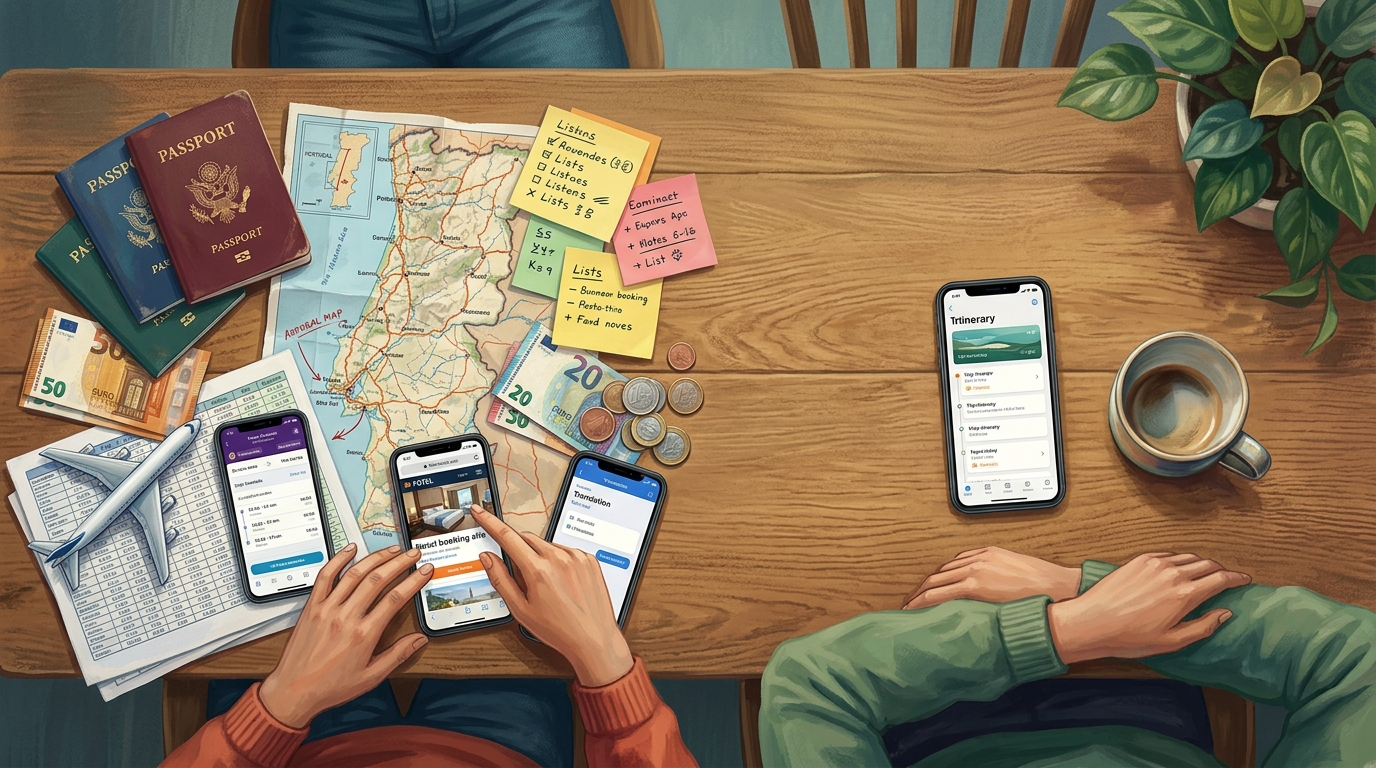
Picture the Okafors three weeks out from a nine-day trip to Portugal. Two kids, ages 7 and 11. Grandma Ada, who needs a ground-floor room and a slower pace. Dad keeps a spreadsheet. Mom has a notes app with half a packing list in it. There's a group chat where someone asks, for the third time, which hotel they actually booked. The flights are paid for. Nobody can find the confirmation. Sound familiar? This is where most family trips really begin: scattered.
To plan a family trip, run it as one connected lifecycle instead of a pile of separate to-dos: create the trip and invite everyone, add your destinations and dates, set traveler details so the guide fits your family, build the itinerary from real attractions, gather documents and a packing list, then track and split expenses before, during, and after. TripProf handles all twelve of those steps in one app, so you stop juggling a planner, an expense splitter, a packing app, and a group chat. For a reunion-style trip with several families, one person is the organizer and invites the rest to co-manage the same plan.
How do you plan a family trip, step by step?
Plan a family trip as one connected lifecycle, not a scatter of separate tasks: set up the trip and invite your travelers, lock destinations and dates, tune the details to your family, build the days, gather documents and a packing list, then track and split money before, during, and after you go. TripProf runs that whole lifecycle in a single app, which is the entire reason it exists.
Family travel is having a moment. A 2025 Family Travel Association survey found 92% of parents planned to travel with their children in the next year - family travel is now the norm, not the exception. And it's increasingly a crowd: in the same survey, 57% of parents said they were planning multigenerational travel with grandparents and children, up from 55% in 2023. More people, more opinions, more logistics.
So here's the spine of the whole thing. Twelve steps, three phases, one app.
- Create the trip and invite your travelers Start one trip in TripProf and bring the others in to co-manage it instead of a chat thread.
- Add destinations and dates Pin every stop and its dates; multi-stop trips get a route overview with each leg's distance and time.
- Add traveler details and interests Ages, diets, mobility needs, and what your family likes, so the guide fits you.
- Read the personalized destination guide 13 sections free; the full 60-section guide unlocks when you upgrade the trip.
- Build the itinerary together Tap real top attractions onto specific days, add your own activities, and use the wishlist and map of the day.
- Store your documents Passports, bookings, and insurance in one folder, with scanning and autofill.
- Start a packing checklist A smart list generated from your trip profile, grouped by category.
- Log and split expenses as you spend Multi-currency, split across people, with receipt scanning.
- Navigate each day Follow the day's route on the map and check off activities as you do them.
- Capture memories Photos and notes on a shared, private trip journal everyone can add to.
- Settle up afterward See spending broken down by category, day, and person, plus who owes whom.
- Color in your map A completed trip fills in the country you visited on your Explorer map.
Most families don't do this in one place. They do it across a planner, an expense splitter, a packing app, a shared doc, and a journal, plus the group chat that ties it all together with string. TripProf was built by two trip organizers who got tired of exactly that juggling act. Throughout this guide we'll follow two clearly-hypothetical examples: the Okafors planning nine days in Portugal, and later the Okafors teaming up with the Bennetts for an Algarve reunion of nine people across three generations.
What should you do before a family trip?
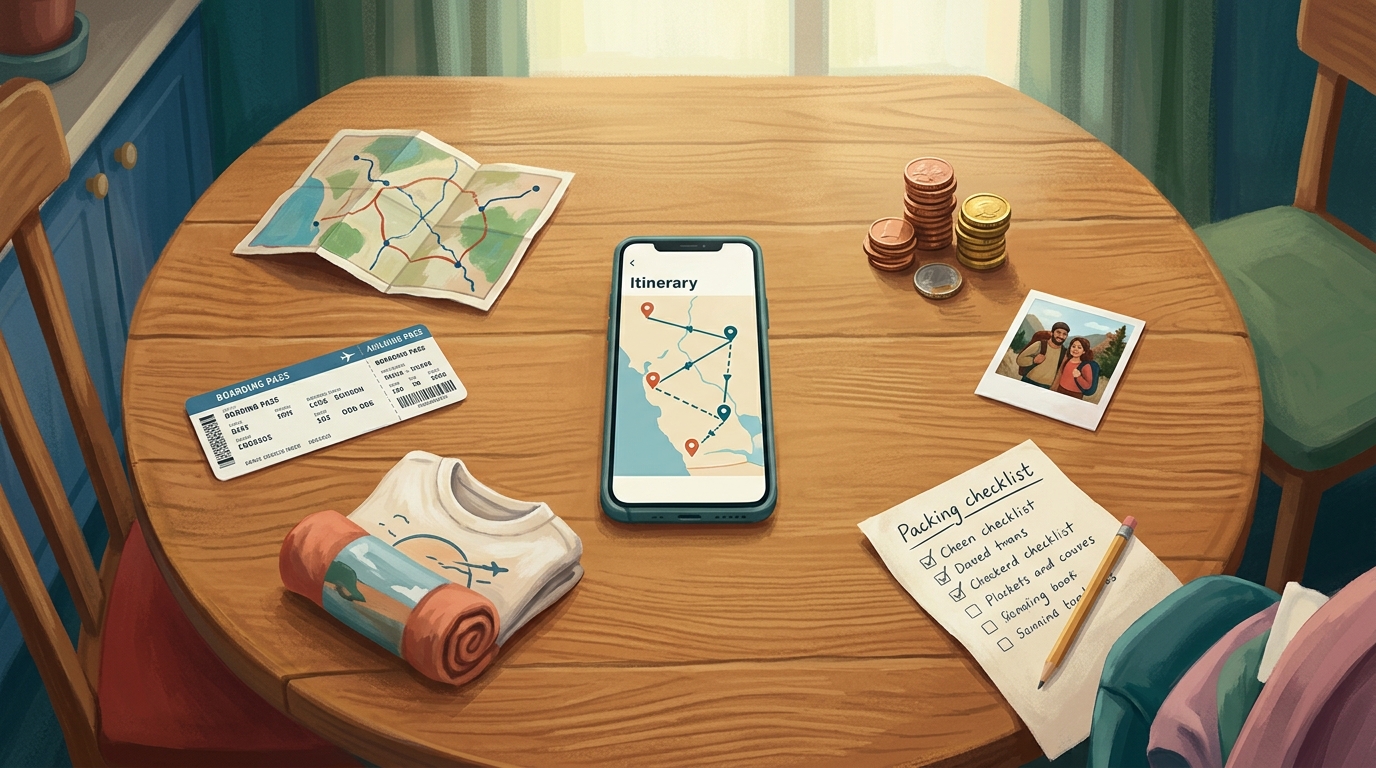
Before a family trip, do four things in order: create the trip, invite the people coming, add your destinations and dates, and fill in who's traveling. In TripProf you create the trip once, then invite the others to co-manage it, so the whole family works from a single plan rather than a thread nobody can search.
Co-managing a trip just means more than one person can see and edit the same plan: the itinerary, the expenses, the checklist, the documents, the memories. There's one organizer per trip (the person who created it), and everyone else joins as a viewer (read-only) or an editor (can add and change things). Imagine the Okafors: Dad creates the trip, adds Mom as an editor, and adds Grandma Ada as a viewer so she can follow along without accidentally moving a hotel.
Real-time shared access unlocks once a Pro guide is generated for the trip. So in practice, the organizer upgrades the trip first, which opens up live collaboration on expenses, checklists, documents, the itinerary, and memories for the people they've invited. One organizer per trip, the rest as editors or viewers.
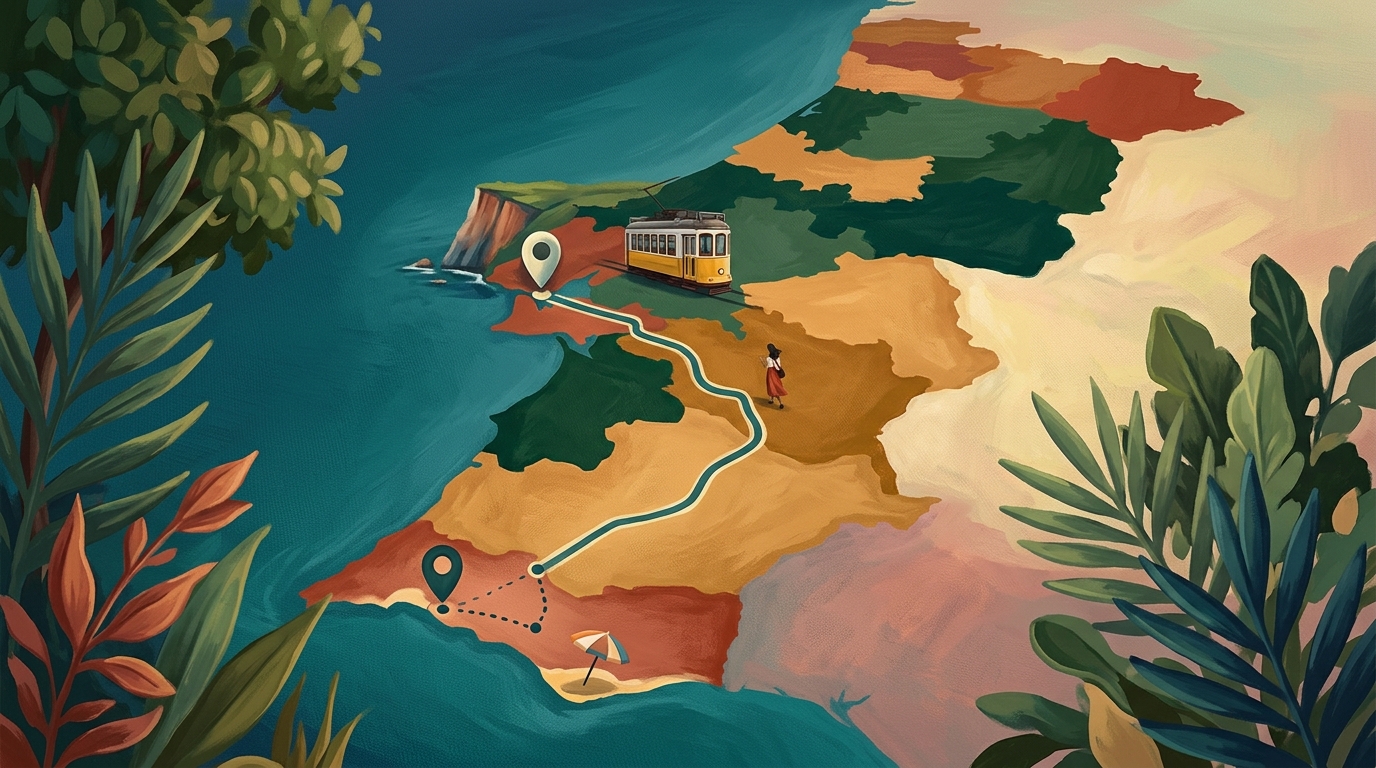
Next, destinations and dates. The Okafors' trip is two stops: Lisbon, then the Algarve coast about 280 kilometers (roughly 175 miles) south. Add both with their dates and TripProf draws a route overview: the full trip on a map, every leg with its distance, drive time, and transport mode, plus totals at a glance. For a two-stop family trip that's a sanity check. For a road trip with grandparents who'd rather not do five hours in a day, it's the difference between a good afternoon and a mutiny.
Then the part that actually makes the guide useful: traveler details. Ages of the kids, Grandma's mobility needs, anyone's dietary requirements, your budget level, what your family is into. TripProf uses those inputs to personalize the destination guide, so the same Lisbon reads differently for a family with a 7-year-old and a grandparent than it does for a couple on a city break. If this is your family's first big trip abroad with kids, our guide to your first international trip with kids pairs well with this stage.
| What a family trip needs | The usual setup | TripProf |
|---|---|---|
| Personalized destination info | Google + guidebooks + blogs | Built in, tuned to your family |
| Day-by-day itinerary | Notes app or shared doc | Built in, with map of the day |
| Expenses and splitting | A separate expense app | Built in, multi-currency |
| Documents | Email + photos + folders | One folder, with scanning |
| Packing list | A packing app or paper | Smart checklist, built in |
| Memories | A journal or camera roll | Shared trip journal |
| Working together | The group chat | Co-managed trip |
The point of that table isn't that the left column is broken. It's that it's five apps and a chat, and somebody has to be the human glue holding them together. That somebody is usually Mom: a 2024 CivicScience analysis found 71% of U.S. adults who make travel arrangements find it stressful, rising to 78% among parents with children under 18. Fewer moving parts, less of that.
How do you turn a destination into an actual plan?
Turn a destination into a plan in two moves: read what you need to know, then build the days. TripProf gives every trip a personalized destination guide, and an itinerary you fill by tapping real attractions onto specific days. You don't start from a blank page.
The guide is the research layer. Free trips include 13 guide sections, the practical core: country info, languages, a phrase cheat sheet, public holidays, time zone, weather outlook, embassy and emergency contacts, a security brief, cash vs card, and a few everyday services. Upgrade the trip and you get the full 60 sections across 14 categories, personalized to your family's ages, diet, budget, and dates: top attractions and day trips, food and dining with the kids in mind, getting around, money benchmarks, safety, accessibility tips for Grandma, and more.
Upgrading runs on credits. One credit upgrades one trip's guide and includes five regenerations, so you can refresh it as plans change. A single credit is EUR 3.99 / USD 3.99, a 3-pack is EUR 9.99, and a 5-pack is EUR 13.99. There's also Pro at EUR 7.99 a month or EUR 54.99 a year, which includes three credits a month. Credits never expire, and there are no ads and no data selling anywhere in the app. That's the whole pricing story.
Then the fun part: the itinerary. Every destination shows a carousel of its most-visited places, drawn from structured world-heritage data and enriched with photos. Tap one and it lands on a specific day. The Okafor kids get to add things to a wishlist, a separate holding pen for maybes, so the dolphin-watching idea doesn't get lost or accidentally committed to Tuesday. You can also auto-generate a day or the whole trip: pick a date range, a time window, a pace (relaxed, moderate, or packed), and the categories you care about, then keep the suggestions you like and drop the rest. Every generated activity is a real, addable place, not a text blurb.
The map of the day plots everything you've scheduled for a single day, with the walking or driving route between stops. It's the quiet hero for families: you see at a glance that you've stacked three things across town and a fourth back near the hotel, and you fix the order before anyone's feet hurt.
Drag and drop reorders activities within a day or across days, which matters when a 7-year-old's nap window moves the whole afternoon. Building the itinerary together is also where a multi-stop family trip stops feeling abstract: our walkthrough of how to plan a multi-city trip with family and friends goes deeper on sequencing stops.

How do you keep documents and packing under control?
Keep documents and packing under control by putting both in the trip itself, not in your inbox and your memory. TripProf stores trip documents in one folder by category, and generates a packing checklist from your trip profile so nobody reinvents the list from scratch.
Documents first. Passports, visas, tickets, insurance, accommodation: each gets its own category. You can scan a PDF or photograph a physical document to add it, and TripProf can autofill trip details from what it reads, for example pulling flight details off a boarding pass. It'll visualize the flight route, and even suggest itinerary items from a document, like dropping in a hotel check-in. So when the group chat asks which hotel you booked, the answer is in the trip, not buried in someone's email. (One honest note: your documents live in one place you can always get to, but they're stored files, so treat them like cloud documents rather than something to rely on with zero signal.)
Now packing. TripProf builds a smart base checklist from the destination, dates, duration, and who's coming, then groups items by category: documents, clothing, tech, health. You can start from a template too (a beach trip, for instance, which is exactly the Algarve). Tick things off as they go in the bag. Assigning specific items to specific travelers is coming soon, so for now treat it as a shared master list the family works from together.
- Passports valid for the whole trip, scanned into the documents folder
- Flight and hotel confirmations added (autofill from the boarding pass)
- Travel insurance documents saved by category
- Packing checklist generated and shared with the family
- Trip guide downloaded before you leave for offline use
- First expenses (flights, deposits) logged so the budget starts honest
That last point matters more than it looks. Logging the big pre-trip costs early, the flights, the deposit on the villa, means the budget reflects reality from day one instead of getting a nasty surprise when you add it all up later. And you can scan receipts to fill in the details fast.

How do you handle money and the day-to-day during the trip?
During the trip, log expenses as they happen, split them across whoever shared the cost, and let the app track who owes whom in every currency. TripProf's expenses are multi-currency with built-in splitting and receipt scanning, so the math stops being a running argument in the back of everyone's head.
This is the part that quietly wrecks trips. A 2026 CIT Bank survey, fielded by Harris Poll, found 45% of group travelers have experienced some form of financial conflict or discomfort on a trip, and a striking 82% said they'd pay more than their fair share just to avoid the argument. Costs aren't helping: as of June 2026, average U.S. travel costs were 11% higher than a year earlier, with airfare up 26.7%. The fix isn't paying a "peace tax." It's a shared ledger nobody can dispute.
82% of group travelers say they're willing to pay more than their fair share to avoid financial conflict on a trip.
CIT Bank survey, Harris Poll, June 2026
So when Dad pays for lunch in euros and Grandma covers the rental car, each person logs it once, splits it across whoever it covered, and TripProf keeps the totals straight. Receipt scanning (part of the upgraded trip) fills in the details for you; manual entry is always free. One important honesty point: TripProf shows you the balances, who owes what, but it doesn't move money. You settle up however your family already does. For the deeper mechanics of fair splitting, our piece on the best ways to track and split group trip expenses covers the trade-offs.
Navigation during the day leans on that same itinerary you built. Open the map of the day, follow the route, and check off activities as you do them, which fills in your day's progress. Then there's the part everyone forgets to set up until it's too late: memories. TripProf's trip journal is a private, collaborative space where every participant adds photos and notes onto the trip's timeline. Grandma's blurry photo of the kids eating pastéis de nata goes in next to Mom's note about the restaurant. Free trips include a limited number of memories; Pro removes the cap.
Your guide, expenses, and checklists cache for offline use, so a dead zone on the coast doesn't stop you logging a lunch or reading the safety section. Edits sync when you're back online. Documents and memory photos are stored files, so plan to have what you need handy rather than counting on them with no connection.
What do you do after the trip?
After the trip, settle the money and save the memories. TripProf turns your logged expenses into a breakdown by category, day, and participant, and shows who owes whom, so the final reckoning takes minutes instead of a tense group call a week later.
The Okafors land home, open the trip, and see it laid out: how much went to food, how much to transport, what each day cost, and where the balances sit. Settling up is then just acting on numbers everyone watched accumulate in real time, not reconstructing a week of receipts from memory. If money tension is your family's recurring sore spot, our guide to splitting trip costs without drama is built for exactly that conversation.
Settling up after the trip should be acting on numbers everyone already watched add up - not reconstructing a week of receipts from memory.
The other after-the-trip payoff is quieter. In Explorer, a separate space about you as a traveler, completing a trip colors in the country you visited on your personal world map. It's country-level and in early access right now, so think of it as the start of your travel story filling in over time, not a per-place pin map. Tap Portugal later and you'll find the trip you took there, the shared memories still sitting on the timeline, ready to revisit when the kids are older and swear they remember none of it.

How do you plan a trip with multiple families together?
Plan a multi-family trip the same way as a single-family one, with one addition: pick one organizer. That person creates the trip, upgrades it to unlock collaboration, and invites the other families as editors or viewers. From there everyone co-manages the same itinerary, documents, checklist, expenses, and memories.
This is where the Okafors team up with the Bennetts: an Algarve reunion, nine people, three generations, one villa. Reunions like this are common and growing. The 2025 Family Travel Association survey found 48% of parents planned an extended-family trip in the coming year, up from 41% in 2023. And money gets more tangled the more households are involved: Hilton's 2026 trends report found 44% of parents traveling with adult children pay for the entire trip, which is generous and a recipe for confusion unless someone's tracking it.
So make Okafor-or-Bennett-Dad the organizer. He upgrades the trip, which switches on live shared access, then adds one adult from each family as an editor and the grandparents as viewers. The villa deposit, the grocery runs, the rental vans: each gets logged once and split between the families, and TripProf keeps the running balance between households so nobody's quietly keeping score. The itinerary holds both families' must-dos, the wishlist absorbs the maybes, and the map of the day stops nine people from wandering in nine directions.
Decide who the organizer is before anyone starts adding things. One person owns the trip and upgrades it; everyone else joins as an editor or viewer. It avoids two people building two half-itineraries, which is the multi-family version of the competing-Google-Docs problem.
Frequently Asked Questions
How far in advance should you plan a family trip?
For peak periods like June through August or school holidays, start the setup two to three months out so flights, lodging, and time off line up while options are still open. The earlier you create the trip and invite everyone, the more of the planning you can do in small chunks instead of one stressful sprint the week before. Multi-family reunions need the most lead time because you're syncing several calendars at once.
How much does a family trip cost in 2026?
It varies widely by destination and length, but for scale: Americans planning a summer 2026 trip that needs a flight or paid lodging expected to spend about $3,940 on average per the NerdWallet 2026 Summer Travel Report. Costs have also risen, with average U.S. travel prices up 11% year over year as of June 2026. Logging your big costs early in TripProf keeps the budget honest from the start.
Is TripProf free for family trip planning?
Yes - TripProf has a generous free tier: 13 destination guide sections, manual expense tracking, packing checklists, daily itinerary planning, and documents at no cost. Upgrading a trip's guide to all 60 sections, and unlocking real-time collaboration, runs on credits starting at EUR 3.99 / USD 3.99, and credits never expire.
Can multiple families share one trip in TripProf?
Yes. One person is the organizer and creates the trip, then invites others as editors (who can add and change things) or viewers (read-only). Shared real-time access to expenses, checklists, documents, the itinerary, and memories unlocks once the organizer upgrades the trip with a Pro guide.
How do you split costs between families on a shared trip?
Log each shared expense once and split it across the people or families it covered. TripProf supports multiple currencies and shows the running balance of who owes whom, broken down by category, day, and participant. It shows the balances; you settle up however you normally would, since the app tracks money rather than moving it.
Does TripProf work offline during the trip?
Your guide, expenses, and checklists cache for offline use, and any edits sync when you reconnect. Documents and memory photos are stored files, so keep the ones you'll need handy rather than relying on them with no signal. It's built to be useful during the trip, not just before it.
What's the hardest part of planning a family trip, and how do you handle it?
For most families it's money and coordination: a 2026 CIT Bank survey found 45% of group travelers have hit financial conflict on a trip. The fix is a single shared plan everyone can see, where expenses are logged as they happen and the itinerary lives in one place instead of a group chat. That's the whole idea behind keeping a trip in one app.
Key Takeaways
- Treat planning as one lifecycle: set up, personalize, build, pack, then track money before, during, and after.
- Create the trip first and invite everyone to co-manage it, so the family works from one plan, not a chat thread.
- Add traveler details (ages, diets, mobility) so the destination guide actually fits your family.
- Build the itinerary by tapping real attractions onto days, and use the map of the day to keep routes sane.
- Log expenses as you go and split them across travelers; TripProf shows who owes whom, in any currency.
- For multi-family reunions, pick one organizer who upgrades the trip to unlock shared real-time access.
- Stop juggling a planner, an expense splitter, a packing app, and a journal. TripProf puts your entire trip in one app, free to start, with no ads and no data selling. See every feature first if you'd rather look before signing up.
Sources
- Family Travel Association, The Wander Years (survey released Oct 2025): 92% of parents planned to travel with their children in the coming year.
- NYU SPS / 2025 Family Travel Survey: 57% planning multigenerational travel, 48% planning extended-family trips, 73% citing affordability as the top obstacle.
- CIT Bank survey (Harris Poll, June 2026): 82% of group travelers will overpay to avoid money conflict; 45% have experienced financial conflict on a trip.
- NerdWallet 2026 Summer Travel Report: average expected summer travel spend of $3,940; 89% of travelers taking action to save money.
- NerdWallet Travel Inflation Report (June 2026): average U.S. travel costs up 11% year over year; airfare up 26.7%.
- Hilton 2026 Trends Report, Inheritourism: 44% of parents traveling with adult children pay for the entire trip; 53% of trips with kids include an adult child.
- CivicScience (2024): 71% find travel planning stressful, rising to 78% among parents with children under 18.
Last updated: July 3, 2026
Keep Reading
More travel tips and guides picked for you

What a Friendsgiving trip actually costs, and how to split it fairly
Eight friends, one cabin, one long weekend before Thanksgiving: here's what a real Friendsgiving getaway costs per person, and a simple way to split it before anyone starts keeping score.

The Group Trip Questionnaire: 16 Questions to Ask Before Anyone Books
Most group trips break on four answers: flexible, easygoing, whatever works, and around $2k. Here are 16 questions that make all four impossible to give, what each answer is really for, and a copy-paste template to send before anyone books.

How Many States Have You Visited? One Retiree's Real Answer (And How to Find Yours)
A 58-year-old retiree paints his USA map for the first time and finds a very different number than he guessed. The real YouGov stats, the honest limits, and how to track your own states visited checklist.