Phone Stolen Abroad? What to Do First, Step by Step
Key Highlights
- 1
- 2
- 3
+4 more in the takeaways below
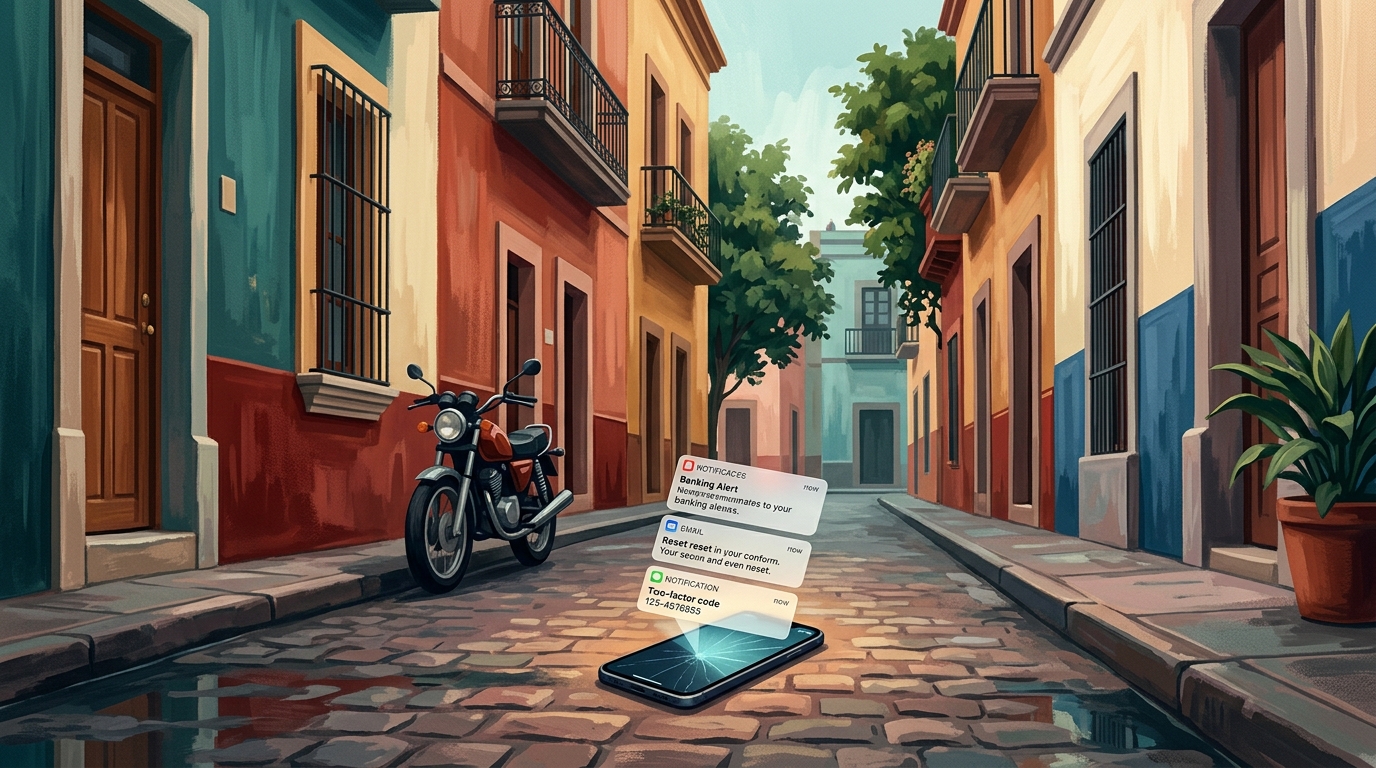
You reach for your back pocket on the metro platform in Barcelona and it's empty. Just the warm spot where your phone used to be. The doors are already sliding shut, and somewhere on the other side of that glass a stranger is holding your bank app, your photos, your boarding pass, your two-factor codes, and the email that resets every other password you own. Your stomach drops. Now what?
Here is exactly what to do if your phone is stolen abroad, in the order that actually protects you. The order matters more than the actions: do them in the wrong sequence and you can lock yourself out of the very accounts you're trying to save. This guide covers both iPhone and Android, the difference between "lost" (you might get it back) and "stolen" (you probably won't), and the 20-minute setup that turns a catastrophe into an inconvenience next time.
If your phone is stolen abroad, work in this order: lock the device remotely (do not erase yet), call your carrier to suspend the line and block the IMEI, then from a trusted device change your email password first and your bank second, freeze your cards, and file a police report for a crime reference number. Erase the phone only as a last resort, because erasing kills your ability to locate it and can't be undone. The reason for the order: your phone number is the master key. Suspend it before changing passwords, or a thief can intercept the SMS codes you need. Before your next trip, turn on Stolen Device Protection (iPhone) or Theft Detection Lock and Find Hub (Android), switch your logins to an authenticator app or passkeys instead of SMS, set a carrier account PIN, and back up your documents to the cloud.
The first hour: 6 moves, in this exact order
The single most useful thing you can do in the first hour is not panic-erase your phone. It's to work through a sequence that locks out the thief, protects your money, and keeps your recovery options open. Speed helps, but order helps more. Here is the sequence, then the reasoning.
- Lock the device remotely (don't erase) On another phone or laptop, sign in to iCloud Find Devices (iPhone) or Find Hub (Android) and mark the device as lost. This locks the screen and keeps location tracking alive.
- Call your carrier: suspend the line and block the IMEI Ask them to suspend service so nobody can use your number, and to report the device's IMEI to the shared block list. This stops calls, texts, and data on your number.
- From a trusted device, change your email password first Your primary email resets everything else, so secure it before your bank. Then change your bank login. Use app-based logins or a trusted device where you're already signed in; if a login still demands an SMS code, you'll complete it after your carrier reissues your number.
- Freeze your bank cards and alert your bank Use a banking app on a trusted device, or call the number on the back of a card you still have.
- File a police report and get a crime reference number You'll need it for insurance and, in some countries, to prove the theft.
- Erase the phone only as a last resort Once you're sure it's gone for good, wipe it. After that you can't track it anymore, and "erasing your device can't be undone."
If you think you just misplaced it (left in a cab, dropped at a cafe), lean on Play Sound and Lost Mode and give it a few hours before wiping. If it was taken, assume you won't get it back: move faster to suspend the line and freeze cards, and don't go retrieve it. A finder map shows a location, not a safe situation. Hand that location to the police; people have been hurt confronting phone thieves.
Why this order and not just "wipe it and change my passwords"? Because your phone number is the master key. If you change your bank password while your SIM is still active in the thief's hands, the bank may text a confirmation code straight to them. Suspend the number first, and that attack dies.
Why a stolen phone abroad is a digital-life emergency
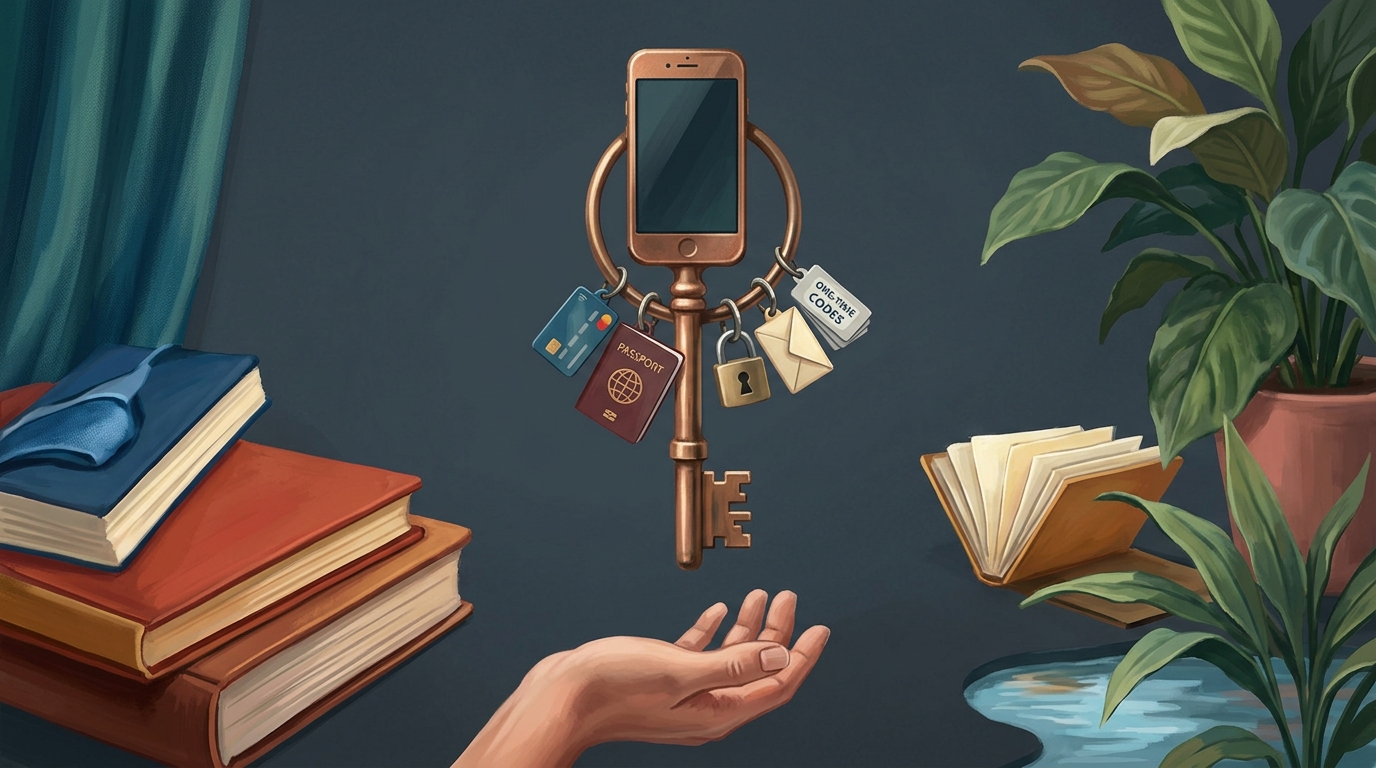
A modern phone isn't a gadget, it's the single point of failure for your whole identity. It holds your email, which resets your banking. It holds your authenticator codes, which guard everything else. It holds your boarding pass and, increasingly, your eSIM and your payment cards. Lose it in a city where you don't speak the language and don't know which police station to walk into, and the clock starts on someone draining accounts while you're still looking for WiFi.
The numbers are improving in places that crack down. London's phone theft fell from 81,365 in 2024 to around 71,391 in 2025, and the city is funding a dedicated Mobile Phone Theft Command Cell with £4.5m. But the threat hasn't gone away, and it's worse in some destinations than others. In Brazil, a Datafolha survey found that nearly one in 10 people had a phone stolen or robbed in a single year. The danger isn't only the hardware. After a London snatch, fraudsters were defrauding victims of more than £7,000 a day in early 2025 by getting into accounts the phone unlocked.
Tourists are specific targets. In Medellin, Colombian police dismantled a gang calling itself 'El Ghetto,' arresting around 10 members who robbed and extorted foreign visitors, among them two Panamanians and a US tourist coerced into transferring money. It is not one rogue crew: citing the city's own Tourism Observatory, the U.S. Embassy reported that thefts against foreign visitors in Medellin jumped 200% in a single quarter of 2023, and the State Department keeps a standing travel advisory for Colombia. Our roundup of the worst tourist scams by region maps these patterns city by city.
iPhone: lock it down with Lost Mode and Stolen Device Protection
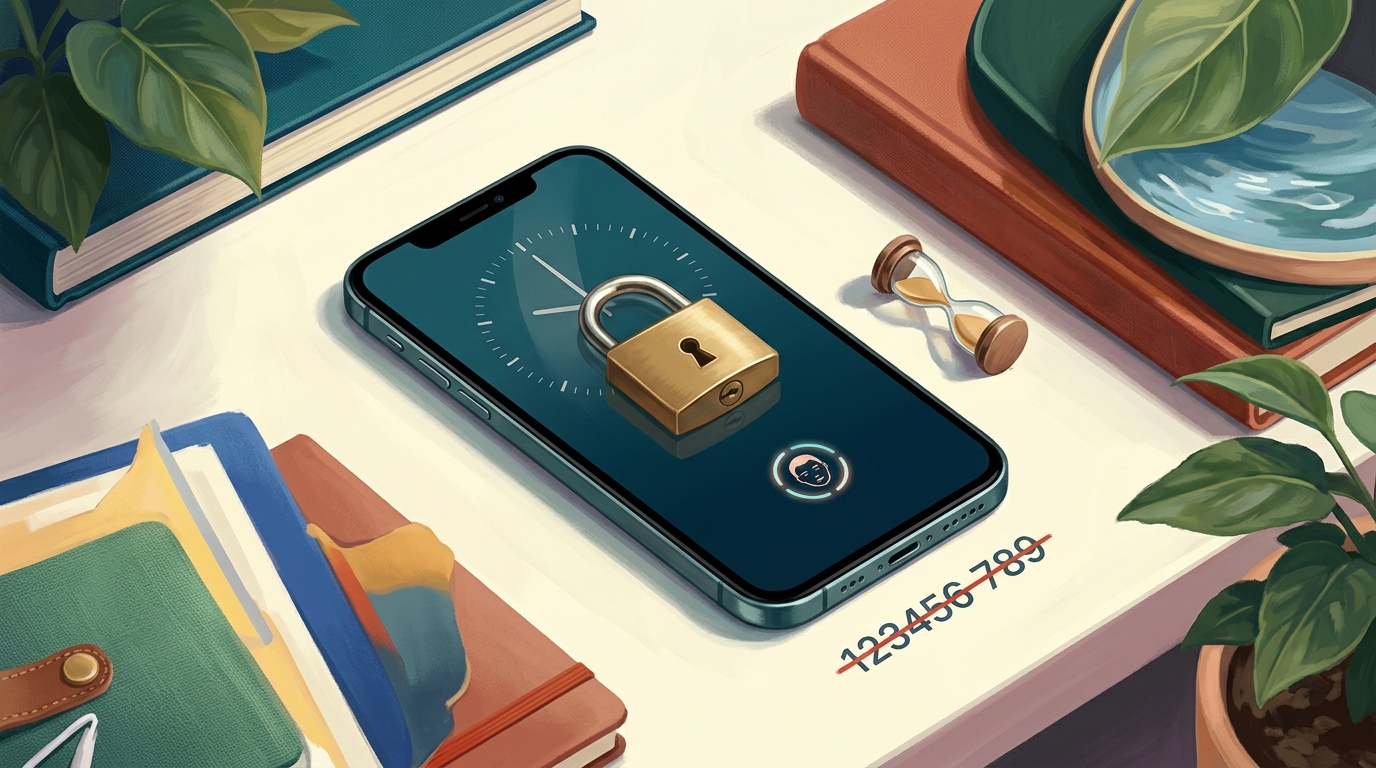
On an iPhone, your two best tools are Lost Mode and Stolen Device Protection, and they do different jobs. Lost Mode locks the screen and tracks the device. Stolen Device Protection defends your accounts from a thief who already knows your passcode, which is the scenario most people never plan for. Apple describes it as a feature that "adds a layer of security to your iPhone, helping protect your accounts and personal information in case your device is ever stolen."
The killer detail is the Security Delay. With Stolen Device Protection on, when you're away from a familiar location, "some security actions such as changing your Apple Account password also require you to wait an hour and then perform an additional Face ID or Touch ID authentication." Other actions are biometric-only with no passcode fallback: "accessing stored passwords and erasing all content and settings require a biometric authentication with Face ID or Touch ID." A thief who shoulder-surfed your passcode is stuck.
Enable Stolen Device Protection at Settings, then Face ID and Passcode, enter your passcode, and toggle on Stolen Device Protection. As of iOS 26.4 it's "enabled by default and turned on for all iPhone users," but older versions and many phones still have it off. Check now, not from a cafe in a panic.
If your iPhone goes missing, Apple's own sequence mirrors the order above: put the device in Lost Mode first, because with Stolen Device Protection on, Face ID or Touch ID is required to turn off Lost Mode even if someone has your passcode. Then "change your Apple Account password right away," report it to local law enforcement (they may ask for the serial number, which you can find without the device), and contact your carrier to suspend the line. Remote erase is the last step, never the first.
Android: Find Hub, Theft Detection Lock, and Remote Lock
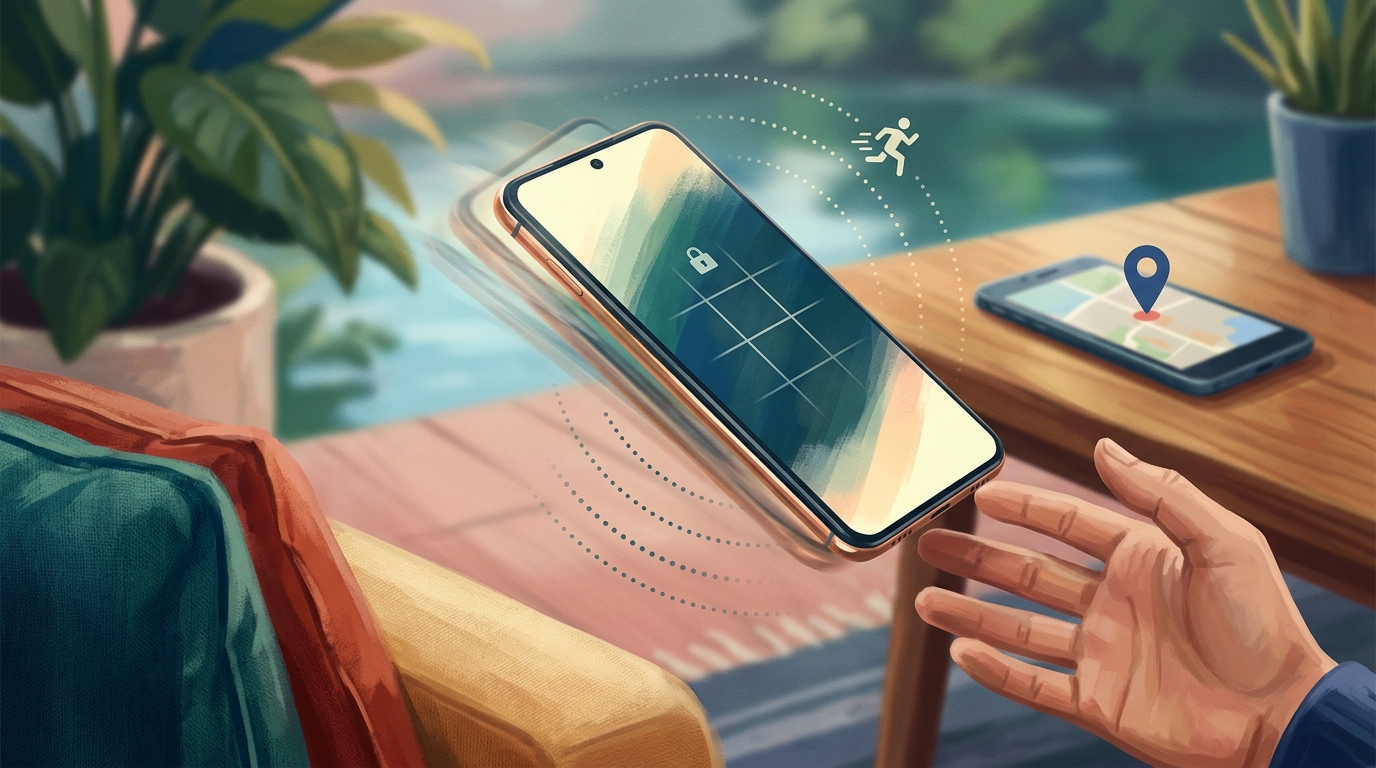
Google rebuilt its theft tools in 2025, and the names changed, so ignore older guides that still say "Find My Device." The recovery hub is now Find Hub (formerly Find My Device), and it sits alongside two automatic lock features that trigger before you even realize the phone is gone. Together they cover the snatch, the offline dead-zone, and the remote wipe.
From Find Hub you get three remote actions. Play Sound "rings your device at full volume for 5 minutes, even if it's set to silent or vibrate." Secure Device "locks your device with your PIN, pattern, or password." And Erase will "permanently delete all data on your device, but may not delete SD cards", the nuclear option that ends your ability to track it.
The automatic features are the new part. Theft Detection Lock, as Google puts it, "automatically locks your device's screen to protect its content" the moment it senses the phone being taken from you. Google's launch post described it as motion-sensing technology that can "sense if someone snatches your phone from your hand and tries to run, bike or drive away" (Google's 2024 launch post, before the Find Hub rename). Offline Device Lock handles the next trick thieves use, going dark: "after your device goes offline, Offline Device Lock automatically locks your device screen." And if you can't reach another phone, Remote Lock lets you lock the screen from a browser at android.com/lock using just a verified phone number, though "the device's screen can be locked remotely twice in a 24-hour period."
Here's how the two platforms line up on what you can actually do from a borrowed device:
| Remote action | iPhone | Android |
|---|---|---|
| Find on a map | Find Devices (iCloud) | Find Hub |
| Lock the screen | Lost Mode | Secure Device / Remote Lock |
| Play a loud sound | Play Sound | Play Sound (5 min, full volume) |
| Auto-lock when snatched | Locked via Lost Mode + biometric | Theft Detection Lock |
| Block account changes after theft | Stolen Device Protection | Screen lock + Google account |
| Erase remotely | Erase iPhone (last resort) | Erase (last resort) |
Both platforms put erase last for the same reason: a wiped phone goes dark on the map. Use it only when you've accepted the device is gone.
Your number is the real target: SIM, eSIM, and the 2FA cascade
The thief usually doesn't care about your hardware. They care about your number, because controlling it lets them intercept the text-message codes that protect your bank, your email, and your social accounts. This is the lockout cascade, and it's why suspending the line comes before changing any password. Call your carrier the moment you can, and ask for two things: suspend the line, and block the device.
Blocking works because carriers share a global block list. The GSMA explains that operators "block devices if reported lost or stolen ... and share these reports with others using the GSMA Device Registry service so they may be blocked on other networks as well." US carriers spell out the effect - T-Mobile, for example, reports the IMEI to an international database, and "this prevents the device from being used on most carrier networks ... even if another SIM card is inserted." Verizon, for its part, offers a courtesy suspension of recurring monthly fees for up to 30 days while you sort things out. (Your own carrier will have an equivalent lost-or-stolen process; ask for it by name.)
If your two-factor codes arrive by text, a thief with your live SIM can read them, even on a locked phone, because previews show on the screen. US security agencies are blunt about this: CISA's December 2024 guidance tells people "do not use SMS as a second factor for authentication." Suspend the line first, then change passwords.
An eSIM changes the recovery story but not the urgency. You can't pop it out like a plastic SIM, so if the phone is gone, your number is locked inside it until your carrier reissues it to a new device, which means contacting your carrier to activate your eSIM again. That call is one more reason to know your carrier's number by heart, or to have it saved somewhere other than the stolen phone. If you're weighing eSIM against a physical SIM for your next trip, our guide to eSIM, SIM cards, and travel WiFi breaks down the trade-offs.
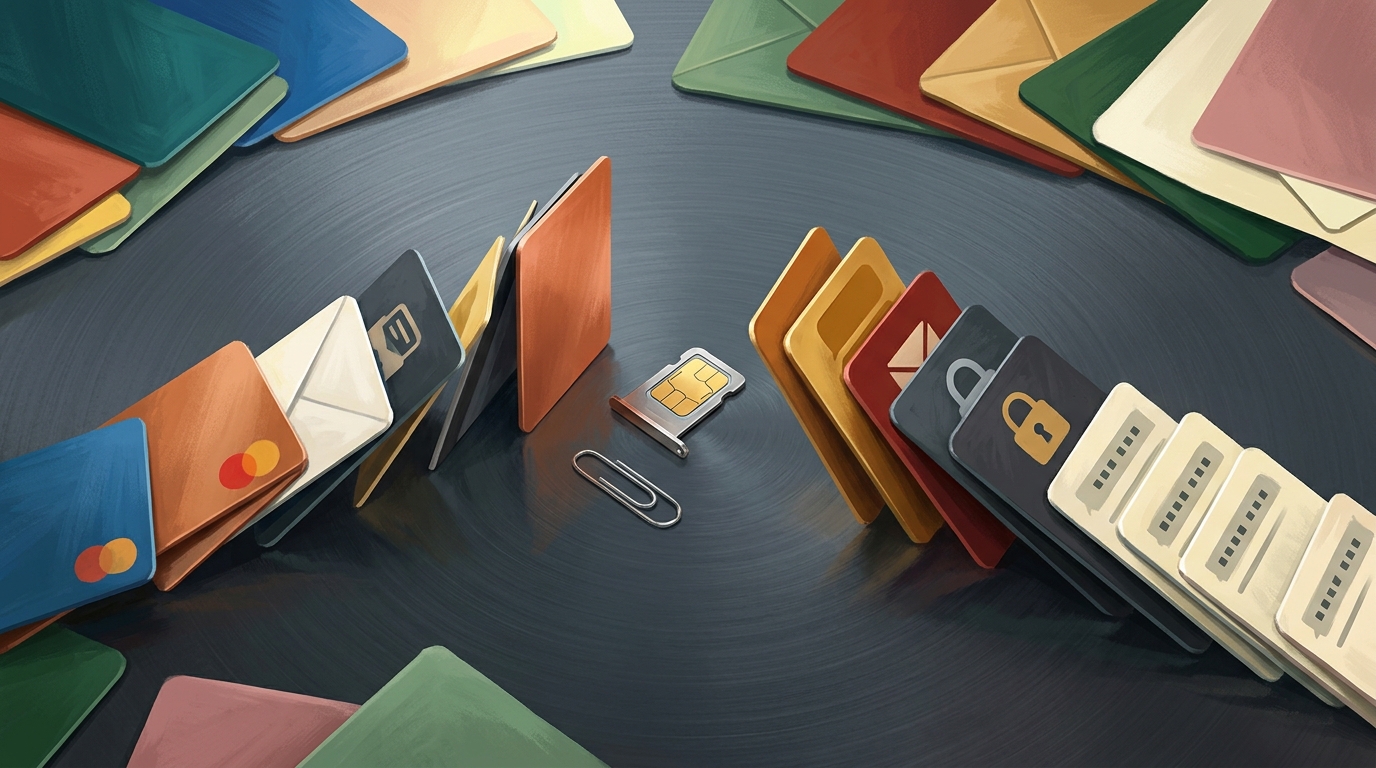
Then there's the betrayal nobody warns you about: your authenticator codes were on the stolen phone. If you used an SMS-free authenticator app and didn't sync it, those codes are gone with the device, and you're locked out of the accounts they protected. Passkeys handle this better. The FIDO Alliance notes that "if the user gets a new device and sets it up with their passkey provider, the user's passkeys are synced and available for sign-in on the new device." A single-device passkey with no sync, though, is a lockout waiting to happen. The fix is preventive, and it's in the pre-trip checklist below.
Police, embassy, and insurance: the paperwork that gets your money back
Three institutions matter after a theft, and each does exactly one job well. The local police give you a report. Your embassy replaces your passport if that went too. Your insurer reimburses you, but only if you handed it the right paperwork on time. Knowing the boundaries saves you from waiting on help that isn't coming.
Two caveats before the details: the exact process depends on where you're from. The phone numbers, embassy services, and carrier rules below use US examples; a British, German, or Australian traveler should reach their own country's nearest embassy or consulate and their own carrier's lost-and-stolen line. The shape of the advice - police report first, embassy for passports, insurer for money - holds everywhere; the specific contacts do not.
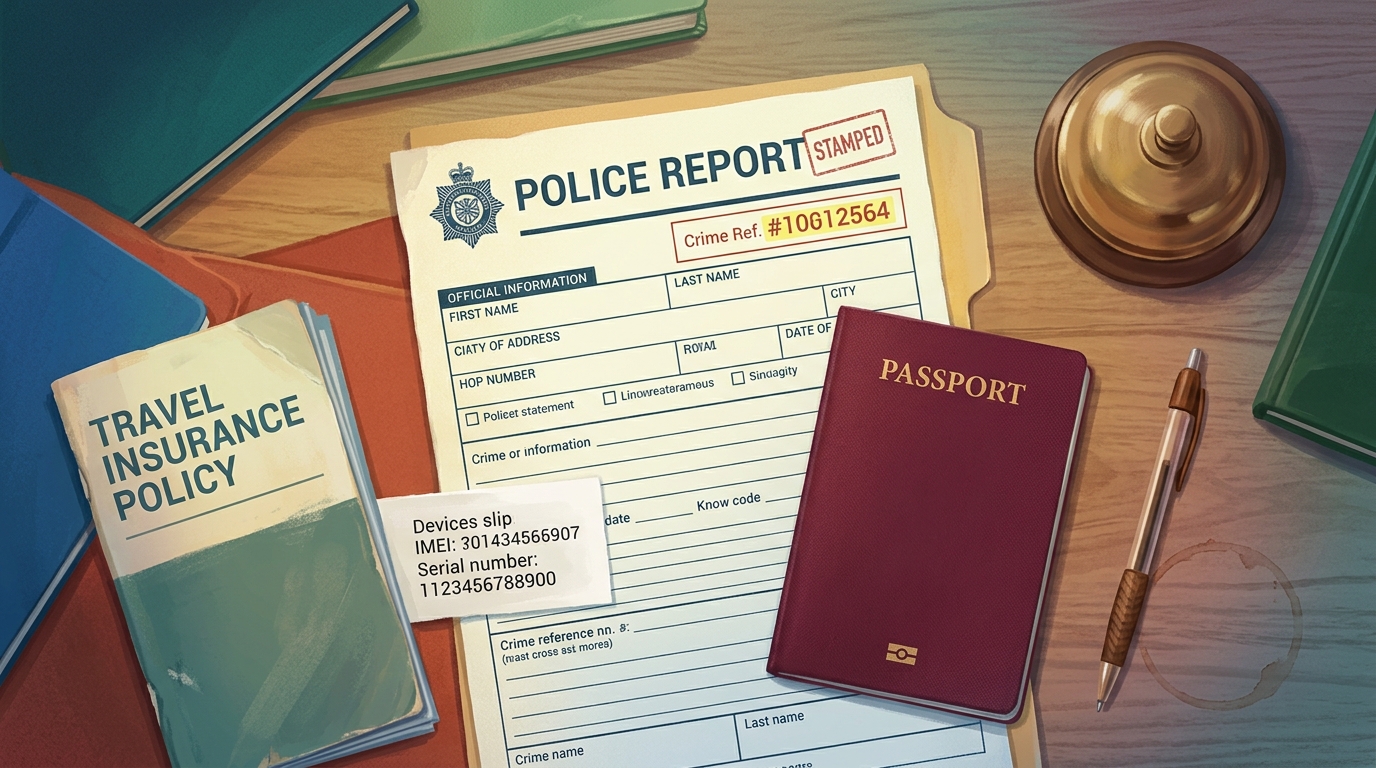
File the police report quickly and get the crime reference number in writing. You'll need it for the insurance claim, and in some places it's the only proof the theft happened. Your embassy can help with the fallout if your passport was in the same bag, but its powers are narrow. The US State Department says consular staff can "replace a lost or stolen passport" and point you to local resources, but they cannot "investigate crimes," give legal advice, or "pay legal, medical, or other expenses for you." For emergencies, the State Department line is 888-407-4747 from the US and Canada, or 202-501-4444 from anywhere else.
Insurance is where people lose money they were owed. Most travel policies want the theft reported to police within 24 hours with a crime reference number, and they routinely reject claims for items left unattended in a public place. So the table you set down on the cafe seat while you ordered? That's often a denied claim. Read your specific policy before you travel, because the rules vary by insurer, and our breakdown of what travel insurance actually covers in 2026 walks through the exclusions that trip people up.
The 20-minute pre-trip setup that prevents the disaster
Everything above is a fire drill. This is the fire prevention, and it takes about 20 minutes at your kitchen table. Do it once before each trip, the same way you would run through any other pre-trip checklist, and a stolen phone becomes an annoyance instead of a meltdown.
- Turn on Stolen Device Protection (iPhone) or Theft Detection Lock plus Find Hub (Android), and confirm the device shows up on the finder map
- Move your important logins off SMS codes and onto an authenticator app or passkeys that sync to more than one device
- Set an account PIN with your mobile carrier to block SIM-swap attempts, as CISA recommends
- Save your carrier's lost-or-stolen hotline somewhere that isn't your phone, plus your device's IMEI and serial number
- Write down your home country's embassy contact for your destination
- Back up your passport, bookings, and insurance documents to the cloud so a replacement phone can reach them
- Use a strong device passcode (six digits or more, not 1234), and shield it when you type in public
The carrier PIN is the cheapest insurance you'll ever buy. CISA's guidance specifically calls for "setting telecommunications account PINs to prevent SIM-swapping attacks," and the same agency recommends moving to phishing-resistant multi-factor authentication like passkeys over text codes. Both take two minutes and close the doors a thief tries first.
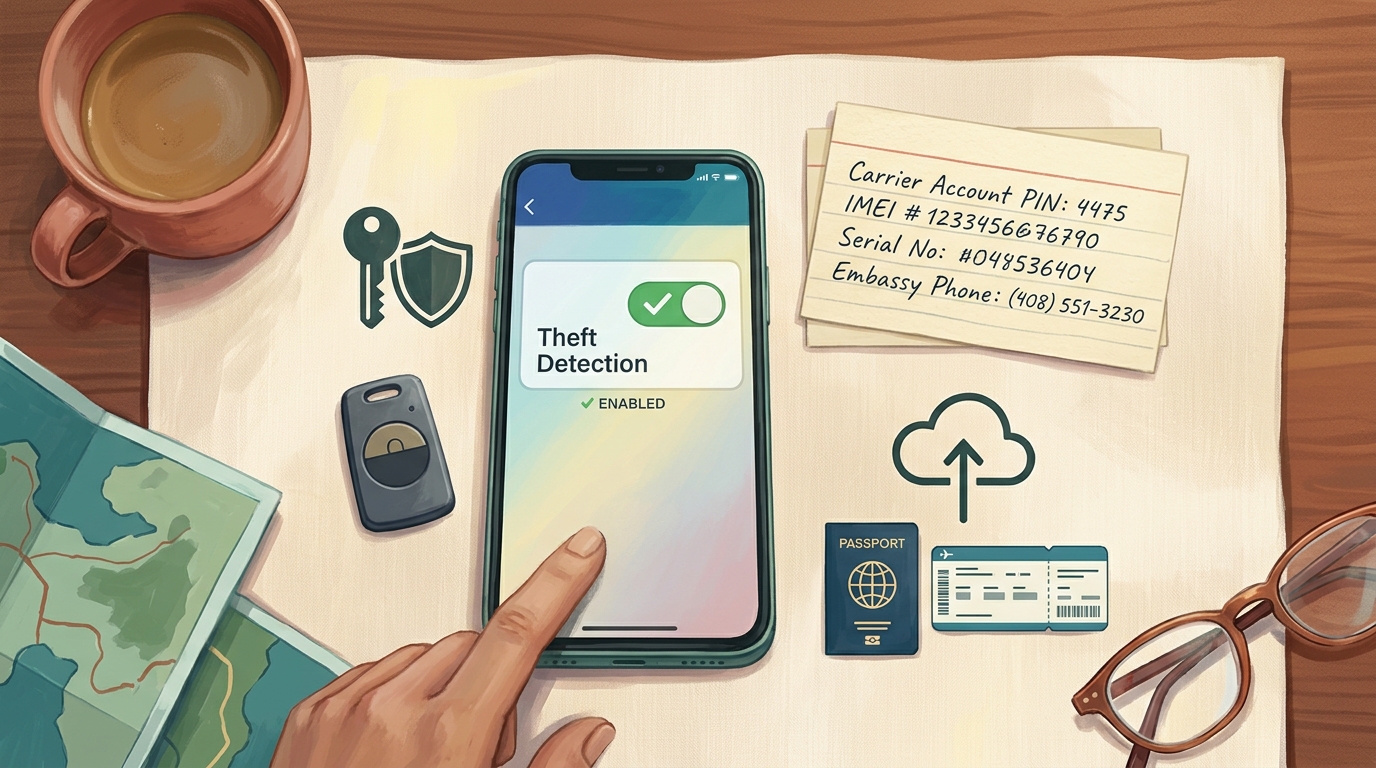
That document backup line matters more than it looks. When your phone is gone, the replacement you buy or borrow needs a way to reach your passport scan and booking confirmations. Keeping passports, tickets, and insurance in one cloud-synced place is exactly the gap that tools like TripProf's Travel Document Storage are built to fill. (Those files live in the cloud, so you'll need a connection to fetch them on a fresh phone.)
Frequently Asked Questions
What should I do in the first hour if my phone is stolen abroad?
Lock the device remotely without erasing it, then call your carrier to suspend the line and block the IMEI. From a trusted device, change your email password first and your bank second, freeze your cards, and file a police report for a crime reference number. Erase the phone only as a last resort, since erasing ends tracking and can't be undone.
Can someone access my bank if they have my phone passcode?
On an iPhone with Stolen Device Protection enabled, no. Apple requires Face ID or Touch ID, not the passcode, to access stored passwords or change your Apple Account, and adds a one-hour Security Delay away from familiar locations. Without that feature on, a passcode can unlock a lot, which is why you suspend the SIM and change passwords fast.
Can I lock or erase my phone without another device?
Yes for locking. Android's Remote Lock works from any browser at android.com/lock using a verified phone number, though you can only lock remotely twice in a 24-hour period. iPhone uses iCloud Find Devices, which you can reach from a friend's phone or any computer. Erasing also works remotely, but treat it as the final step.
My two-factor codes were on the stolen phone. How do I get back in?
If you used SMS codes, suspend the line first so the thief can't read them, then have your carrier reissue your number to a new SIM or eSIM and use it for recovery. If you used passkeys or a synced authenticator app, sign in on another device where they already exist. Single-device authenticators with no backup are the hardest case, so set up account recovery codes before you travel.
Do I need a police report, and how do I get one abroad?
Yes. Most travel insurers require a police report and crime reference number, usually within 24 hours of the theft. Go to the nearest local police station, report the theft, and ask specifically for a written report or reference number. Your embassy or hotel can point you to the right station if you're unsure where to go.
How do I recover my number and eSIM on a new phone?
Both go through your carrier. For a physical SIM they'll mail or hand you a replacement; for an eSIM they reissue the profile to your new device, which you activate by contacting them. Either way, your old SIM and eSIM stop working once the line is suspended, so keep your carrier's number saved somewhere other than the stolen phone.
Will travel insurance cover a stolen phone, and what do I need?
Often, but only with proof. Typical policies require a police report and crime reference number within 24 hours, and frequently deny claims for items left unattended in public. You may also need the device IMEI and a purchase receipt. Coverage and limits vary by insurer, so read your policy's gadget and baggage sections before you go.
Key Takeaways
- Order beats speed. Lock the device, suspend the number, change your email then bank passwords, freeze cards, file a police report, and erase only as a last resort.
- Your number is the master key. Suspend the SIM before changing passwords, or a thief can intercept the SMS codes you need to log back in.
- Erase last, never first. Wiping the phone ends location tracking and can't be undone, so exhaust every other option before you do it.
- Turn on the built-in defenses before you fly. Stolen Device Protection on iPhone and Theft Detection Lock plus Find Hub on Android stop a thief who already saw your passcode.
- Get off SMS two-factor. Use a synced authenticator app or passkeys, and set a carrier account PIN to block SIM swaps, as CISA advises.
- Insurance pays only with paperwork. A police report, a crime reference number within 24 hours, and a device that wasn't left unattended are usually non-negotiable.
- Back up your documents. Keeping passports and bookings in a cloud-synced place like TripProf's document storage means a borrowed phone can still reach what you need to keep traveling.
Sources
- Apple Personal Safety: Use Stolen Device Protection: https://support.apple.com/guide/personal-safety/use-stolen-device-protection-ips93055ab1a/web
- Apple Support: If your iPhone or iPad was stolen: https://support.apple.com/en-us/120837
- MacRumors: iOS 26.4 enables Stolen Device Protection by default: https://www.macrumors.com/2026/02/16/ios-26-4-stolen-device-protection/
- Google Android Help: Find Hub remote actions (lost device): https://support.google.com/android/answer/6160491
- Google Android Help: Theft Detection Lock, Offline Device Lock, Remote Lock: https://support.google.com/android/answer/15146908
- Google Blog: Android theft protection features: https://blog.google/products/android/android-theft-protection/
- Google Pixel Help: eSIM transfer and activation: https://support.google.com/pixelphone/answer/16115951
- CISA and FBI: Mobile Communications Best Practices (Dec 2024): https://www.cisa.gov/sites/default/files/2024-12/joint-guidance-mobile-communications-best-practices_v2.pdf
- CyberScoop: CISA mobile security best practices: https://cyberscoop.com/cisa-mobile-security-best-practices-salt-typhoon/
- CISA: More than a Password (MFA): https://www.cisa.gov/MFA
- FIDO Alliance: Passkeys: https://fidoalliance.org/passkeys/
- GSMA Device Check: lost and stolen device FAQs: https://devicecheck.gsma.com/rtlapp/faqs/
- T-Mobile: Lost or stolen device help: https://www.t-mobile.com/support/account/lost-or-stolen-device-help
- Verizon: Lost or stolen phone FAQs: https://www.verizon.com/support/lost-stolen-phone-faqs/
- Mayor of London: mobile phone theft crackdown (Feb 2026): https://www.london.gov.uk/mayor-outlines-major-crackdown-mobile-phone-theft-new-mobile-phone-theft-command-cell-and-ps45m-more
- LBC: phone snatching and fraud: https://www.lbc.co.uk/crime/police-e-bikes-phone-snatching/
- The Brazilian Report: cell phone theft data (Datafolha): https://newsletters.brazilian.report/p/cell-phone-theft
- Finance Colombia: Medellin tourist-targeting gang: https://www.financecolombia.com/colombian-police-bust-tourist-trap-in-medellin-dedicated-to-kidnapping-extorting-foreign-visitors/
- US State Department: Colombia travel advisory: https://travel.state.gov/en/international-travel/travel-advisories/colombia.html
- U.S. Embassy Colombia security alert: thefts against foreign visitors in Medellin (2024)
- US State Department: Victims of crime abroad: https://travel.state.gov/en/international-travel/help-abroad/victims-crime.html
- InsureandGo: what to do if your phone is stolen abroad: https://www.insureandgo.com/blog/what-to-do-if-your-phone-is-stolen-abroad/
Last updated: July 3, 2026
Keep Reading
More travel tips and guides picked for you

The fake SBB ticket website stealing credit card and Twint data from travelers
Zurich cantonal police confirmed a fake SBB ticket website is stealing credit card and Twint payment details from travelers who find it through an ordinary Google search. Here is how to spot it and what to do if you already paid.

UK ETA scam warning: fake websites are charging Austrians up to €900
Fake UK ETA websites are charging Austrian and EU travellers hundreds of euros for a form that costs £20. Here's how the real one works, and how to spot a scam before you pay it.

The vignette scam targeting eight European countries this autumn
Fake toll-sticker sites just got a fresh warning from consumer-protection agencies in Germany and Switzerland. Here is who is being targeted, what the scam looks like, and the eight official links to bookmark before your next road trip.